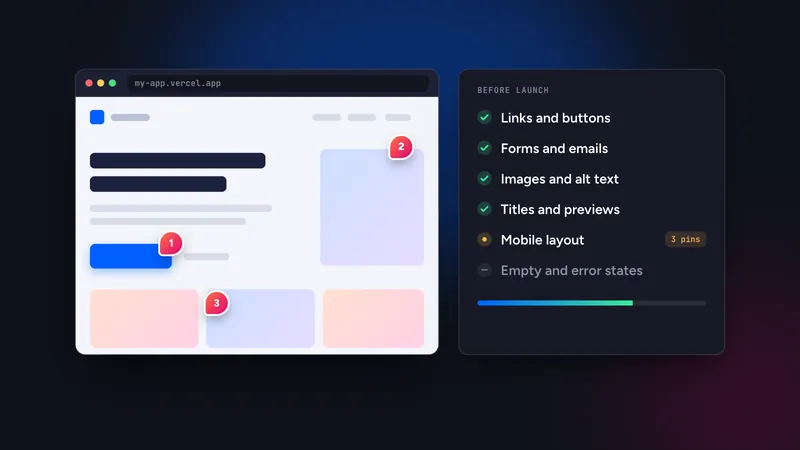
A website QA checklist for agencies covers six areas: content, links and forms, responsive layout, performance and SEO basics, accessibility and legal, and client sign-off. Run it in two passes, once internally and once with the client, and record every finding as a comment attached to the page and element so each one becomes a trackable task.
In this guide
Why agencies need a repeatable QA pass
Projects do not usually fail at launch because of one dramatic bug. They fail because of a dozen small things found by the client on day one: a broken link in the footer, a form that goes to the developer’s address, a heading that wraps badly on a tablet. Each is minor. Together they cost trust and an unplanned round of fixes.
A shared checklist makes quality independent of who built the site. It also gives you something concrete to point at when a client asks why a round of feedback is needed.
The workflow
QA is a short pipeline, not a single heroic review:
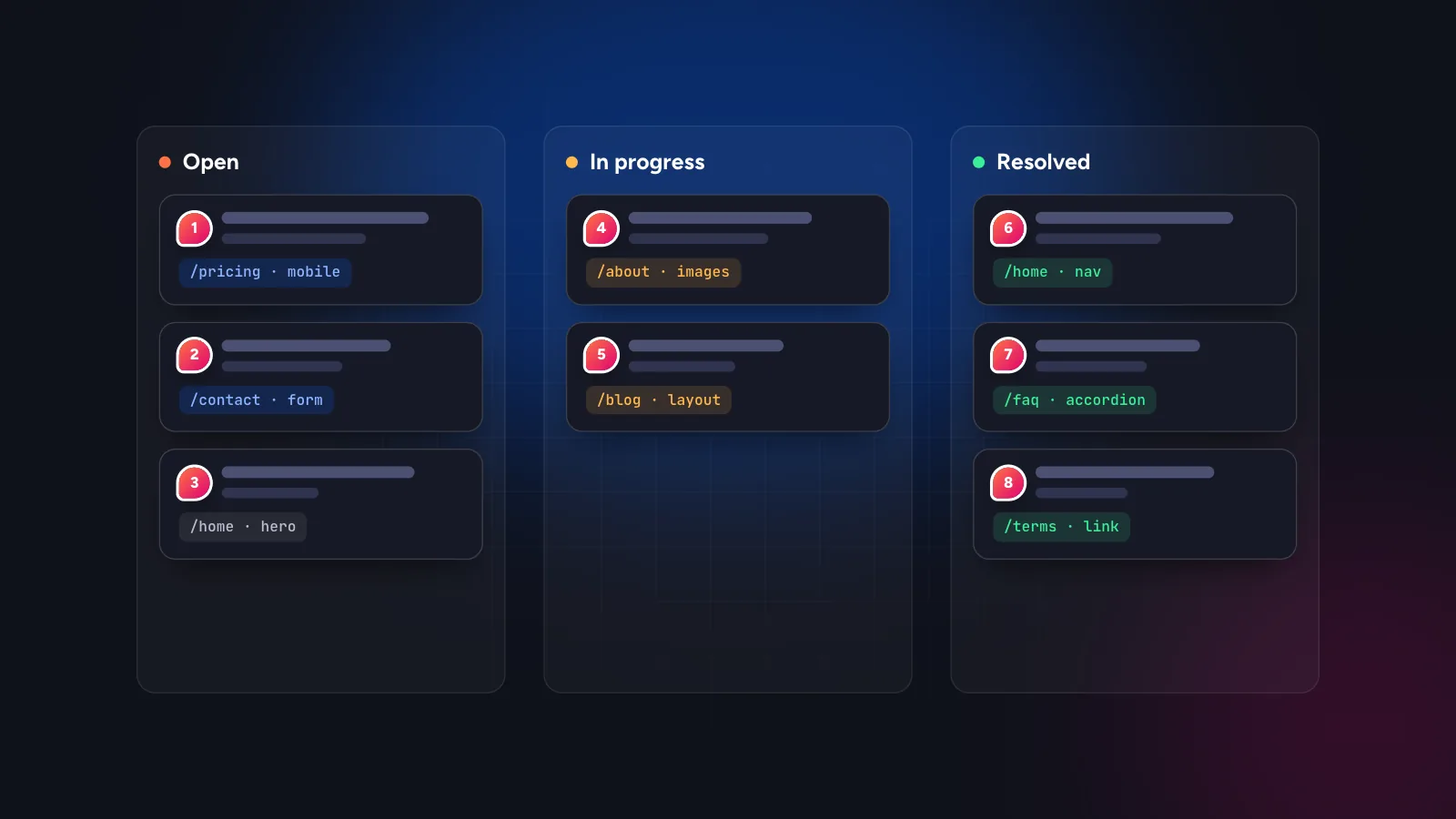
Do the internal pass first so the client sees a site that is already clean. Then use the same review tool for the client pass, so findings from both rounds sit in one list. With Symu 2 you paste the staging URL, comment on real elements, and share a link that clients open without an account. Comments become tasks with statuses, so triage happens in the same place.
1. Content and copy
- Proofread headings, buttons and navigation labels, not just body text.
- Remove placeholder text, sample names and stock captions.
- Confirm names, prices, opening hours, phone numbers and addresses with the client’s own material.
- Check that every page has a clear purpose and one primary action.
- Check that images match the copy and carry meaningful alt text.
2. Links, forms and functionality
- Click every link in the header, footer and body. Check the destination and whether it opens in the right tab.
- Submit each form and confirm the visitor message, the notification email and the place where leads are stored.
- Test search, filters, sorting, pagination and any calculator or booking widget with realistic input and with bad input.
- Check the 404 page, redirects from old URLs and the www and non-www versions.
- Test third-party embeds: maps, video, chat, cookie banner, analytics.
3. Responsive layout and browsers
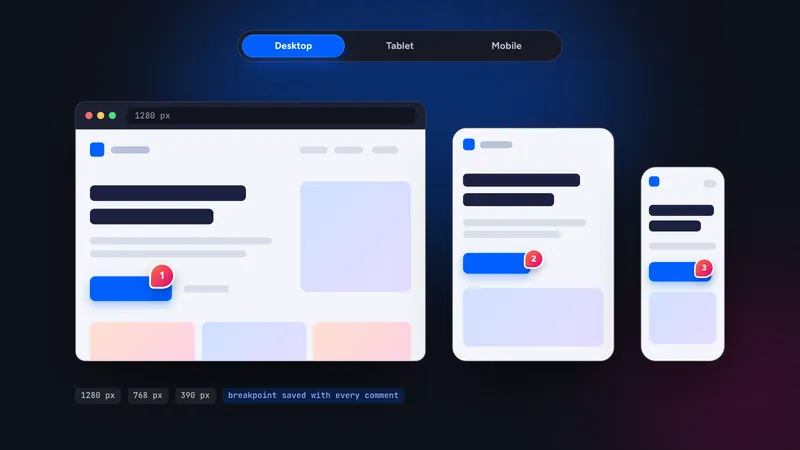
- Review desktop (about 1280 px), tablet (768 px) and mobile (390 px). See client feedback on responsive websites.
- Look for horizontal scrolling, overlapping elements, clipped text and tiny tap targets.
- Check the latest versions of Chrome, Safari and Firefox, and one real iPhone and Android phone if you can.
- Check print or PDF output only if the client needs it.
4. Performance and SEO basics
- Run a Lighthouse or similar audit on the home page and one heavy page. Treat the result as a pointer, not a grade.
- Compress and size images properly, and lazy-load those below the fold.
- Give each page a unique title, meta description and a single H1.
- Check canonical tags, the sitemap and robots rules. Make sure a staging “noindex” is removed on launch day and not before.
- Check link preview images when the URL is shared.
5. Accessibility and legal
- Navigate the main flows with the keyboard only. Focus should be visible and in a logical order.
- Check text contrast, form labels and descriptive link text.
- Confirm the privacy policy, terms and cookie consent behave as the client’s jurisdiction requires. Ask the client or their lawyer for the wording, not the designer.
- Make sure no credentials, test data or API keys are visible in the page source.
6. Client sign-off and handover
- Send the client the review link and explain what you want: “go through every page once and pin anything that looks wrong”.
- Triage within a day. Merge duplicates, answer questions on the thread and separate fixes from new requests.
- Fix in a batch, reply on each comment with what changed, then ask the client to confirm.
- Agree what counts as “done”: all comments resolved, no new ones in the last round.
- Hand over: credentials, documentation, backups, hosting details and who to call.
Keep the scope boundary visible. A new request that arrives as a comment should be tagged as such and priced separately. Having every item in one list makes that conversation easier. For the client side of the process read collecting client feedback without a script, and for a faster pre-launch variant of this list see how to review a vibe-coded website.
What to record for every finding
A QA list is only as useful as its entries. Whatever tool you use, each finding should answer five questions:
- Where? The page URL and the element, ideally pinned directly on it.
- On what? The device size or browser where it appears.
- What is wrong? One sentence, in the reviewer’s own words.
- What should it be? The expected result, or a question if the reviewer is unsure.
- Who owns it? One person and a status: open, in progress, resolved.
When the tool captures the first two automatically, reviewers write faster and developers waste less time reproducing issues. Keep severity simple: blocks launch, should fix, nice to have. Three levels are enough for a small site.
How much time to budget
Agencies usually underestimate QA because it is invisible work. A practical way to budget is by page and device: allow a few minutes per page per screen size for the internal pass, then add time for fixing and for the client verification round. Quote QA as its own line in the estimate, so it is not the first thing cut when a deadline moves. A short, repeatable checklist run by someone who did not build the page finds more issues than a long one run by the person who did.
Where AI agents fit in 2026
Many agencies now fix routine comments with an AI coding agent such as Claude Code or Cursor. That works well for contained changes like spacing, copy, a missing alt text or a mobile wrap, as long as the agent receives the page, element and breakpoint. Symu 2 passes these over MCP, so the agent reads the open comments, edits the code, replies and resolves them, and a developer reviews the diff. Larger structural changes still deserve a human decision.
You can also use “Export for AI” to get all open comments as a markdown task list, or “Copy as AI prompt” for a single one. When something new is posted, Slack and Discord notifications through incoming webhooks tell the team. Pricing is $19 per month with unlimited team members and projects, and there is a 14-day free trial, so a whole agency can try the QA workflow on one live project.
Start the free trial and run your next QA round through a single link.