

Full-length snapshots
Capture the whole page of a live website – not just the visible part – and upload it as a project.
Chrome extension
Take a full-length screenshot of any live website and upload it to Symu in seconds. Upload files from your hard drive and follow the activity stream without leaving your browser.
Sign in with your email – no password.
Install Symu for Chrome and pin it to your toolbar.
No password – just click the magic link we email you.
Grab a full-page screenshot of the website you are on or upload files from your disk.
Share the project and watch comments arrive in the activity stream.
Capture the whole page of a live website – not just the visible part – and upload it as a project.

Pick design files from your computer and send them to any project in a couple of clicks.

See new comments and status changes the moment they happen.
Symu features
Every screenshot you upload from Chrome becomes a presentation your clients can comment on.
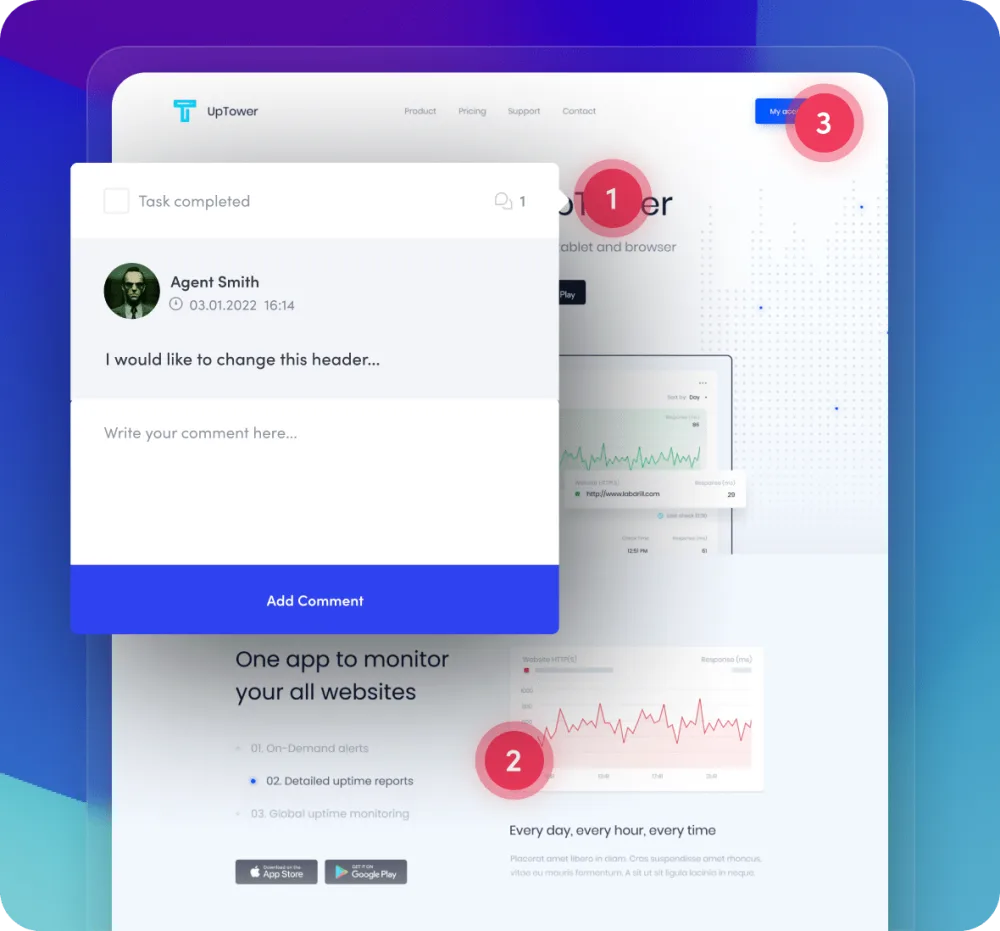
1Feedback
Your clients can add comments anywhere on a project, each added comment becomes a task to speed up the workflow!
 Add a comment anywhereEvery added comment becomes a task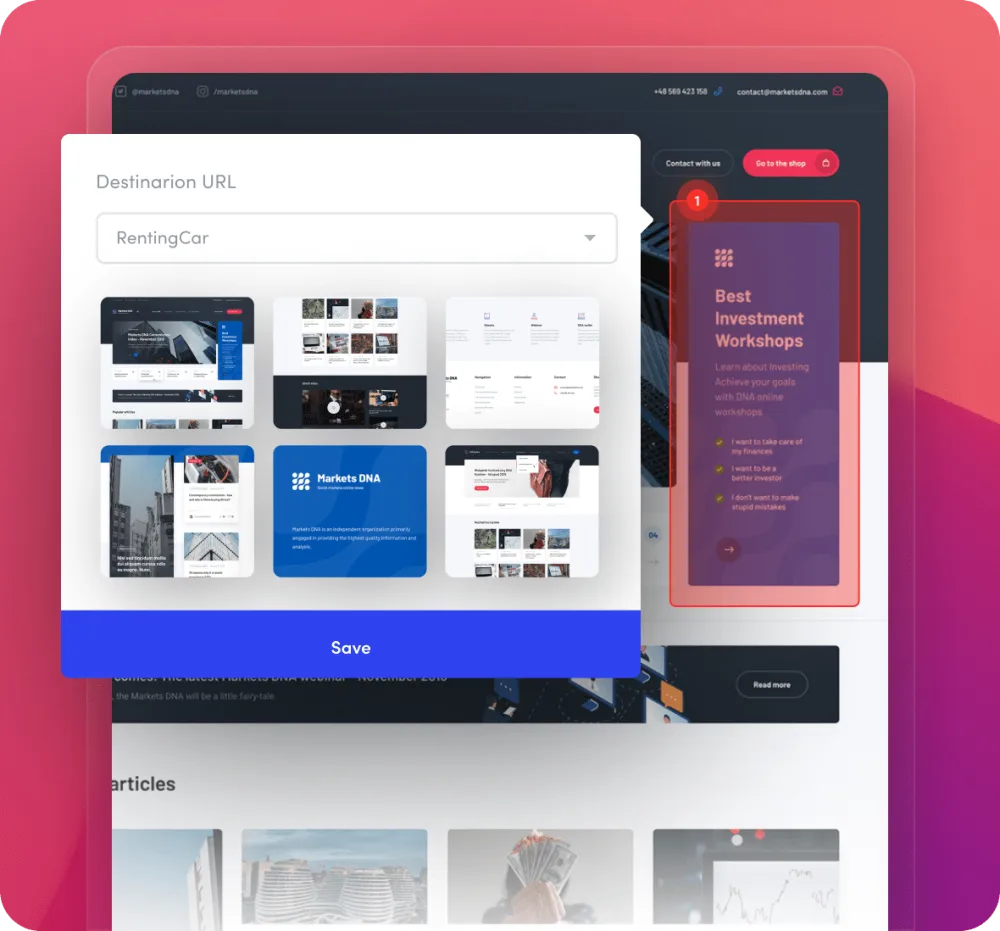
2Prototyping
Symu gives you the ability to prepare a dynamic presentation for your websites. Thanks to features such as fixed headers your project will be very similar to a finished site!
Our hotspots feature allows you to create a clickable model. Add a clickable area anywhere you like and create a dynamic design!
Fixed header Clickable hotspots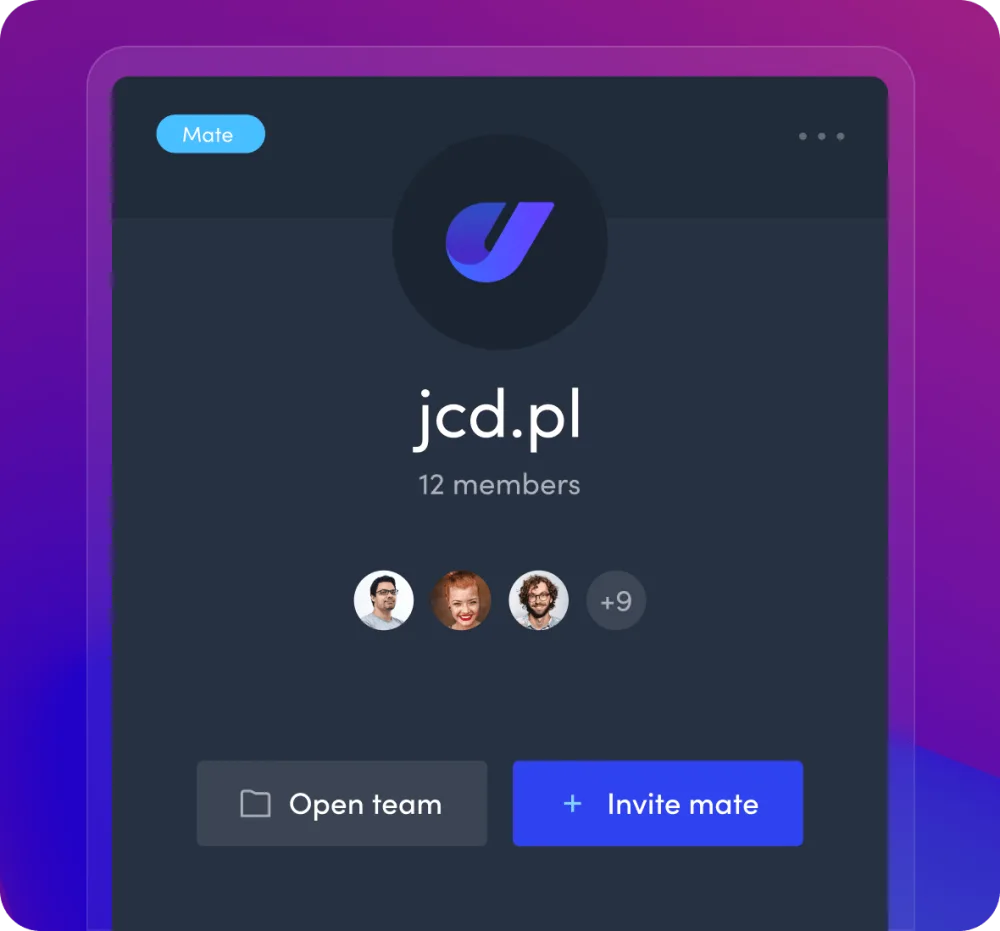
3Teamwork
Put together a team and work with your colleagues! Both you and your colleagues will be able to upload your work to a shared folder.
Set permissions for your teammates. This will allow you to manage your teammates’ access and set roles within the team.
 Teamwork
 Managing every teammate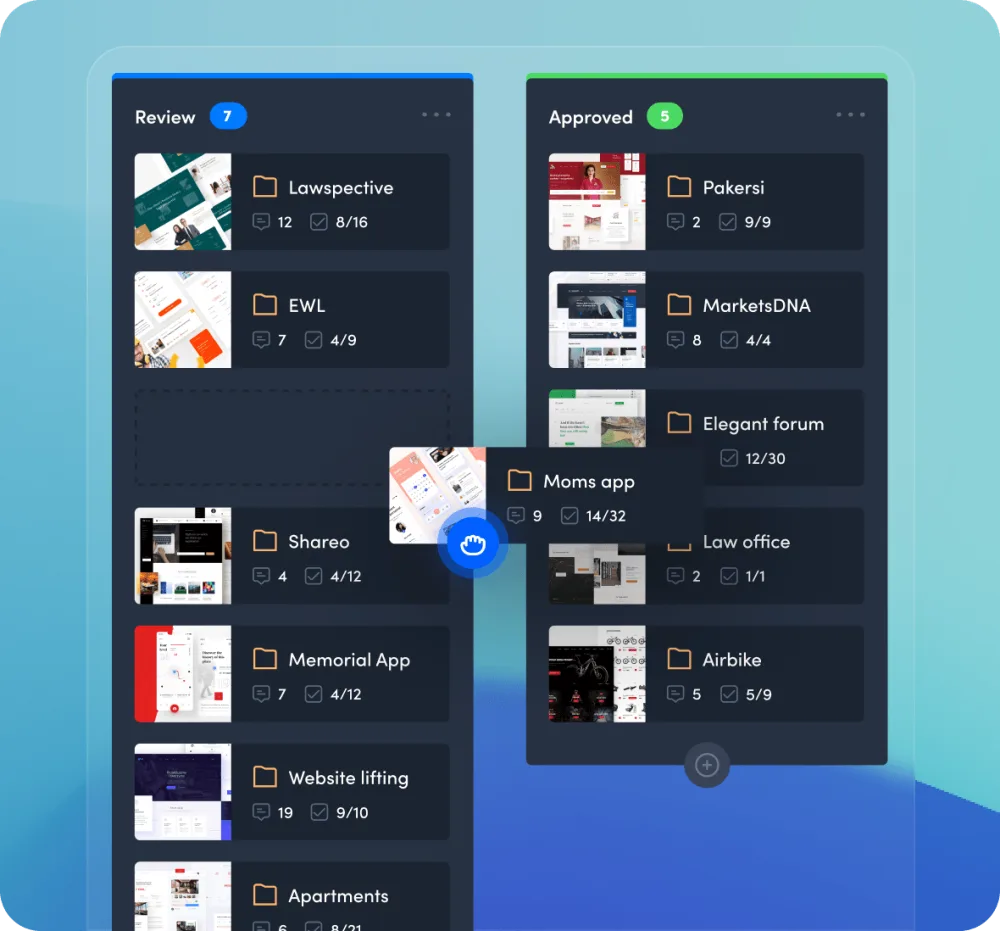
4Workflow
Set the status of multiple projects in a single clever panel. Simply drag a project to the appropriate group and its status will change automatically!
Create a dependency tree with your projects, groups and subgroups. Our panel allows you to manage different projects from one accessible place.
 Project workflowParent and sub groups
Designers choose Symu. Try it free for 14 days – no card required.